Actions & Stuff 1.10
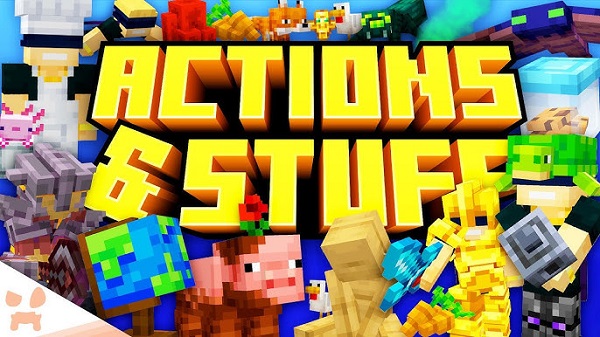
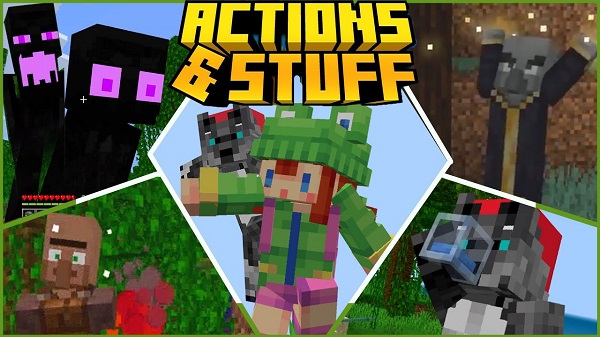
Actions & Stuff enhances Minecraft Bedrock with smoother animations, refined movement, and a clean vanilla-style upgrade while keeping performance stable.
Advertisement
Actions & Stuff for Minecraft Bedrock – A Subtle Upgrade That Makes Gameplay Feel Smoother
Sometimes, improving Minecraft doesn’t mean changing everything.
Not everyone wants ultra-realistic textures or dramatic visual overhauls. Some players just want the game to feel smoother — more refined — without losing that classic vanilla style.
That’s exactly where Actions & Stuff stands out.
👉 To experience this addon properly, make sure you are using the latest version of Minecraft APK on Android, ensuring full compatibility and smooth performance.
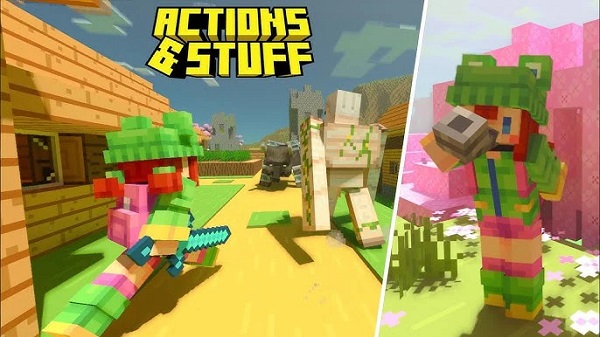
Instead of redesigning blocks or replacing textures entirely, this pack focuses on enhancing movement, interaction, and visual fluidity. The result? Minecraft still looks like Minecraft — but it feels more polished.
What Is Actions & Stuff?
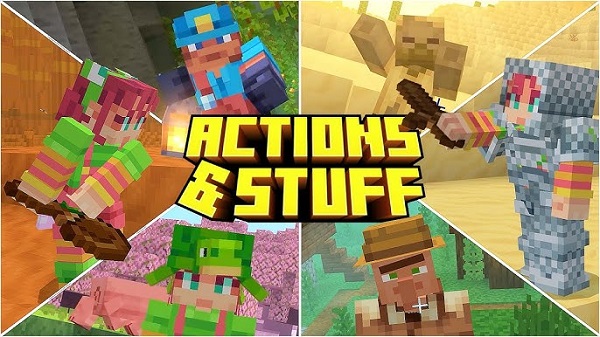
Actions & Stuff is a Bedrock-focused customization pack that enhances animations and subtle in-game details.
It doesn’t replace the core art style. It refines it.
Expect smoother transitions, cleaner movement, and small interaction upgrades that make gameplay feel less rigid and more natural.
Advertisement
Key Improvements
- Smoother player and item animations
- Cleaner interaction visuals
- Improved movement flow
- Subtle refinement without visual overload
- Maintains original vanilla style
Performance & Compatibility
One of the best parts about Actions & Stuff is how lightweight it is.
Tested on Android (mid-range device) and Windows Bedrock Edition, there were no noticeable frame drops or performance issues.
| Platform | Supported |
|---|---|
| Minecraft Bedrock 1.21 | Yes |
| MCPE (Mobile) | Yes |
| Windows Bedrock | Yes |
| Java Edition | No |
Who Is This For?
- Players who enjoy vanilla style
- Survival and long-session players
- Realms users
- Mobile players
- Anyone who prefers smooth gameplay over flashy graphics
Pros & Cons
Pros
- Lightweight and stable
- Smooth animation improvements
- Keeps original Minecraft look
- Easy to install
Cons
- Not compatible with Java Edition
- Visual changes are subtle
How to Install (Bedrock Edition)
- Download the .mcpack file
- Open it with Minecraft
- Wait for the import confirmation
- Activate it under Settings → Global Resources
Advertisement
👉 Before installing, make sure you already have Minecraft installed on your device, preferably the latest version, to avoid compatibility issues.
Frequently Asked Questions
Does it affect FPS?
No noticeable impact on performance during testing.
Can I use it in multiplayer?
Yes. It works normally in Bedrock multiplayer environments.
Does it change block textures?
The focus is mainly on animation and movement refinement rather than complete texture replacement.
Final Thoughts
Actions & Stuff is about subtle improvements that make Minecraft feel smoother and more polished without losing its identity.
If you enjoy vanilla Minecraft but want a more fluid experience, this pack is worth trying.
👉 You can download the latest Minecraft APK for Android and start using Actions & Stuff right away to fully experience its improvements.
Advertisement
Advertisement